What to Consider Before Choosing a Cardboard Box Manufacturer
- Written by Asian Spectator
Start With the Packaging Purpose
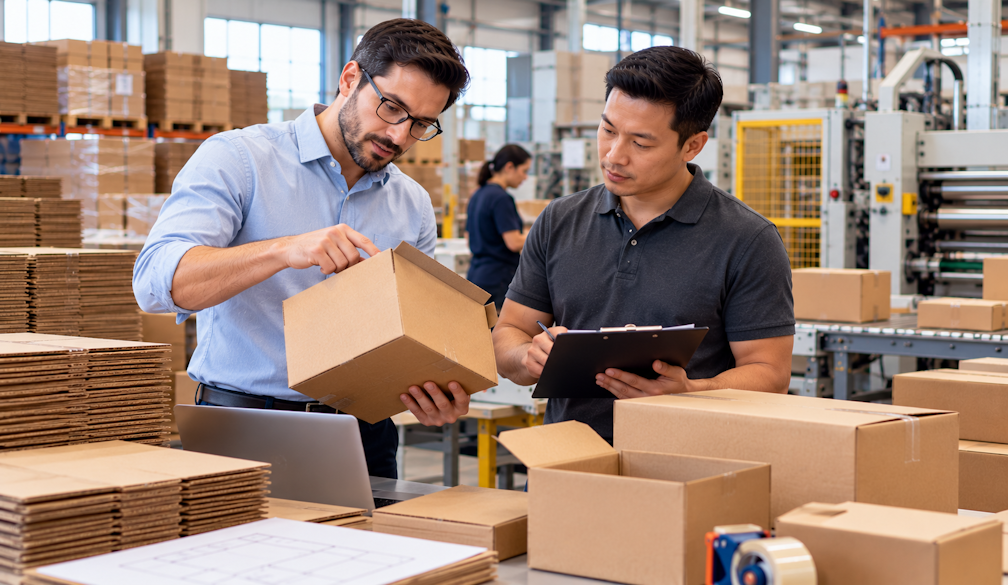
The right packaging begins with a clear understanding of what the box needs to do. A cardboard box manufacturer can help translate requirements such as product protection, storage, shipping and presentation into a practical box format. Before requesting production, businesses should consider how the packaging will be handled, where it will be used and what the customer will see. Hyde Specialty Group provides custom cardboard boxes for applications including shipping and retail displays, giving businesses scope to develop packaging around a specific purpose.
Match Dimensions to the Product
Box dimensions influence packing efficiency, product movement and overall presentation. A box that is too large can leave excess space, while one that is too small may make packing difficult or compromise the product. A cardboard box manufacturer can use the product's dimensions and handling requirements as a starting point for custom packaging. This is particularly useful for businesses with products that do not fit standard carton sizes, or for brands that want packaging designed specifically around their product range.
Think About Strength and Handling
Packaging needs to withstand the conditions it is likely to encounter. Products may be moved between storage areas, vehicles, warehouses, stores and customers, so the box format should reflect the intended handling conditions. A cardboard box manufacturer can consider factors such as product weight, box size and use when developing a suitable packaging solution. Hyde also offers cardboard pallet boxes designed for pallet applications, showing how packaging can be adapted to different logistical requirements rather than relying on one universal format.
Consider the Customer-Facing Appearance
A box can perform a protective role while also contributing to brand presentation. Printed packaging can incorporate a business logo, colours, messaging and other design elements that help create consistency across customer touchpoints. Hyde Specialty Group provides custom printed boxes, allowing a cardboard box manufacturer to address visual requirements alongside the physical structure. For businesses shipping directly to customers, the outside of the package can become an important part of how the order is recognised when it arrives.
Use Prototyping to Refine the Idea
Packaging can look straightforward on a screen but behave differently when assembled and filled. Prototyping and samples can help businesses examine the size, structure and visual appearance before full production. A cardboard box manufacturer that supports design preparation and trial work can make this stage more practical. Hyde highlights customised packaging design and prototyping as part of its service offering, giving businesses an opportunity to refine a concept before moving into a larger manufacturing requirement.
Plan Printed Packaging Carefully
Artwork should be considered alongside the physical packaging rather than after the box structure has been finalised. A cardboard box manufacturer can work with the available print area, box format and intended visual treatment when preparing a customised solution. Hyde's printing process includes design and preparation before printing and quality checks before delivery. Planning these stages together can help businesses create packaging that is both visually consistent and suitable for the way the finished boxes will be produced and used.
Account for Production Quantities
Packaging needs can vary considerably between businesses. Some projects involve a short run for a new product or campaign, while others require larger quantities for ongoing distribution. A cardboard box manufacturer should be able to discuss the expected production volume and the practical requirements of the order. Hyde states that it can support small to large production quantities, which gives businesses flexibility when packaging needs change as a product range develops or order volumes increase.
Discuss the Complete Requirement With Hyde
A useful packaging discussion should cover more than box dimensions. Businesses can bring together their product details, preferred format, quantity, artwork and delivery requirements so the supplier has a complete view of the project. A cardboard box manufacturer can then recommend a suitable approach based on those factors. Hyde Specialty Group offers consultation, solution development, design preparation, printing and quality checks, creating a structured process for businesses seeking custom cardboard packaging rather than off-the-shelf cartons.
Bringing the Packaging Brief Together
Before production begins, businesses can bring together the information that will shape the final packaging: product dimensions, weight, intended use, artwork, quantity and any presentation requirements. A cardboard box manufacturer can then assess the project as a complete packaging brief rather than treating each requirement separately. Hyde Specialty Group's process includes consultation, solution development, design and preparation, printing, and quality checks. That structured approach can help businesses move from an initial idea to a practical custom packaging solution. Contacting Hyde with the project details provides a useful starting point for discussing the available options.